
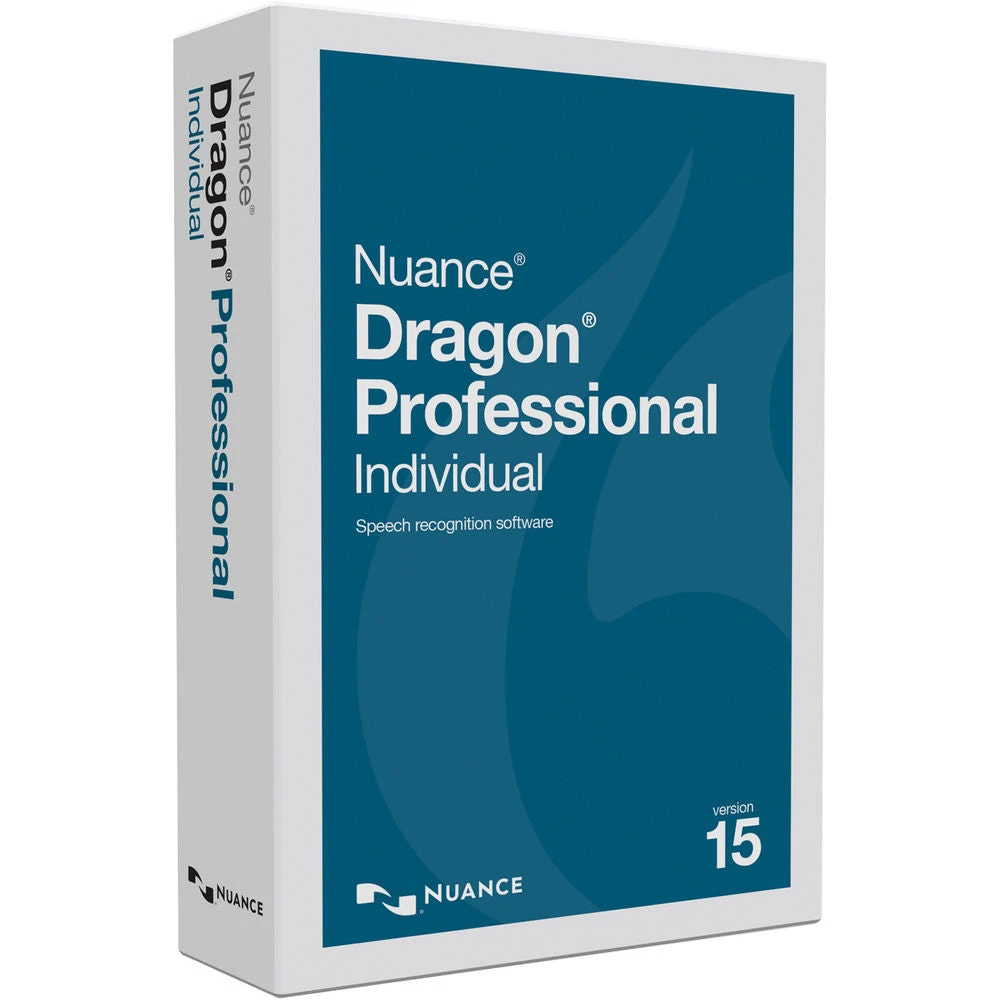
Nuance Dragon Professional Individual Version 15 (Physical Shipment)(Nuance Dragon Professional Individual Version 15 Physical Shipment)
Original price was: $380.00.$99.99Current price is: $99.99.
- Elevate Your Shopping Experience
- Product guarantee 100% satisfaction
- The quality solution for all your needs.
- Streamlined service, designed for your convenience.

Nuance Dragon Overview
- 1 Description
- 2 Powered by Deep Learning
- 3 Syncs with Dragon Anywhere
- 4 Work More Efficiently
- 5 Import Audio Files
- 6 System Requirements
Dictate reports, emails, and other documents to your computer with Dragon Professional Individual Version 15 from Nuance . This Windows-compatible speech recognition software uses Deep Learning technology to adapt to your voice and boost accuracy in noisy situations.
Dragon Professional Individual lets you import and export custom word lists, ideal for teaching the software oft-used words, phrases, or industry terms. You can also create custom voice commands, as well as import and transcribe pre-recorded audio files and podcasts. Dragon Professional Individual syncs with Dragon Anywhere, a separate cloud-based speech recognition service that’s compatible with iOS and Android. A Dragon Anywhere subscription is not included.
Powered by Deep Learning
Syncs with Dragon Anywhere
Work More Efficiently
Import Audio Files
System Requirements
- Description
- Powered by Deep Learning
- Syncs with Dragon Anywhere
- Work More Efficiently
- Import Audio Files
- System Requirements
Nuance Dragon Specs
| Delivery Method | DVD |
| Supported OS Versions | Windows 10, 7, 8.1, Server 2008 R2, Server 2012 R2 (32/64-Bit) |
| Storage Requirements | 8 GB |
| Processor Requirement | Intel AMD |
| RAM Requirement | 4 GB |
| Internet Connection Required | Yes |
| Audio Formats Supported | M4A, MP3, WAV, WMA (Import Only) |
| Package Weight | 0.135 lb |
| Box Dimensions (LxWxH) | 7.7 x 5.1 x 1.7″ |
All product and company names are trademarks™ or registered® trademarks of their respective holders. Use of them does not imply any affiliation with or endorsement by them.
Be the first to review “Nuance Dragon Professional Individual Version 15 (Physical Shipment)(Nuance Dragon Professional Individual Version 15 Physical Shipment)”
Related products
3D Printer & Supplies
3D Printer & Supplies
UltiMaker 2.85mm PETG Filament (750g, Green)(Ultimaker 2 85mm Petg Filament 750g Green)
Electronics & Tools
Electronics & Tools
3D Printer & Supplies
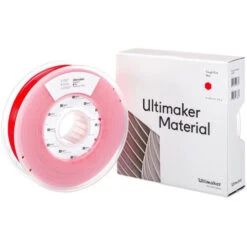
UltiMaker 2.85mm Tough PLA Filament (750g, Red)(Ultimaker 2 85mm Tough Pla Filament 750g Red)
3D Printer & Supplies
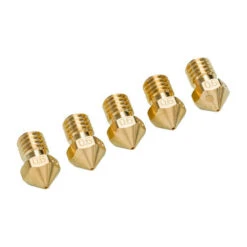
UltiMaker 0.60mm Nozzle (5-Pack)(Ultimaker 0 60mm Nozzle 5 Pack)

3D Printer & Supplies
3D Printer & Supplies
Reviews
There are no reviews yet.