
Sale!
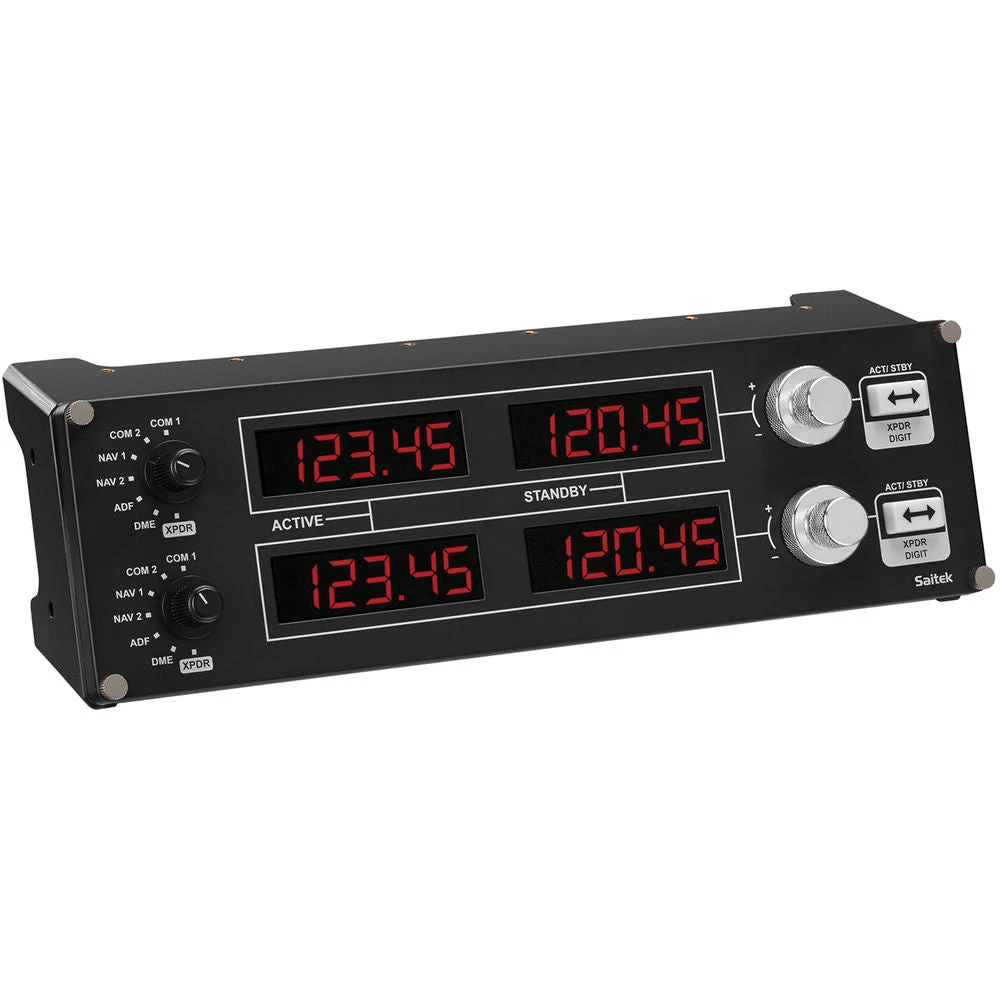

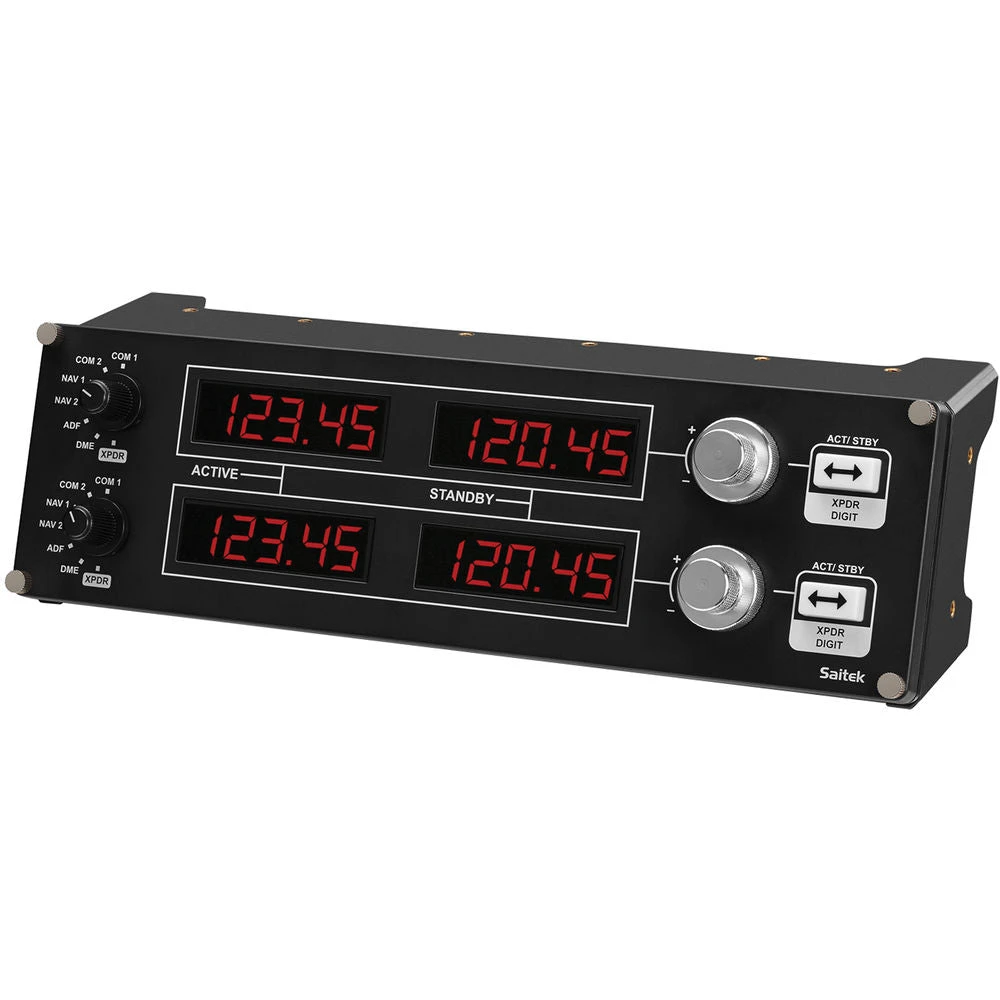
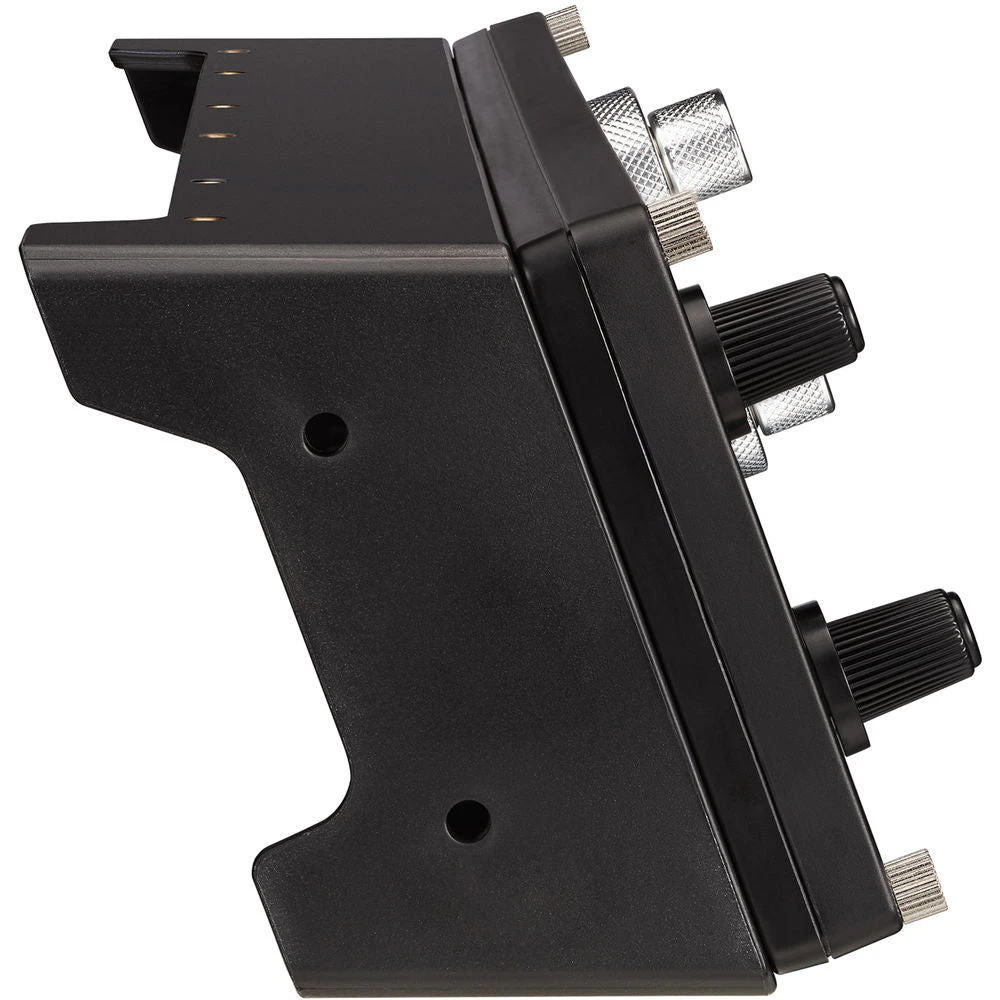
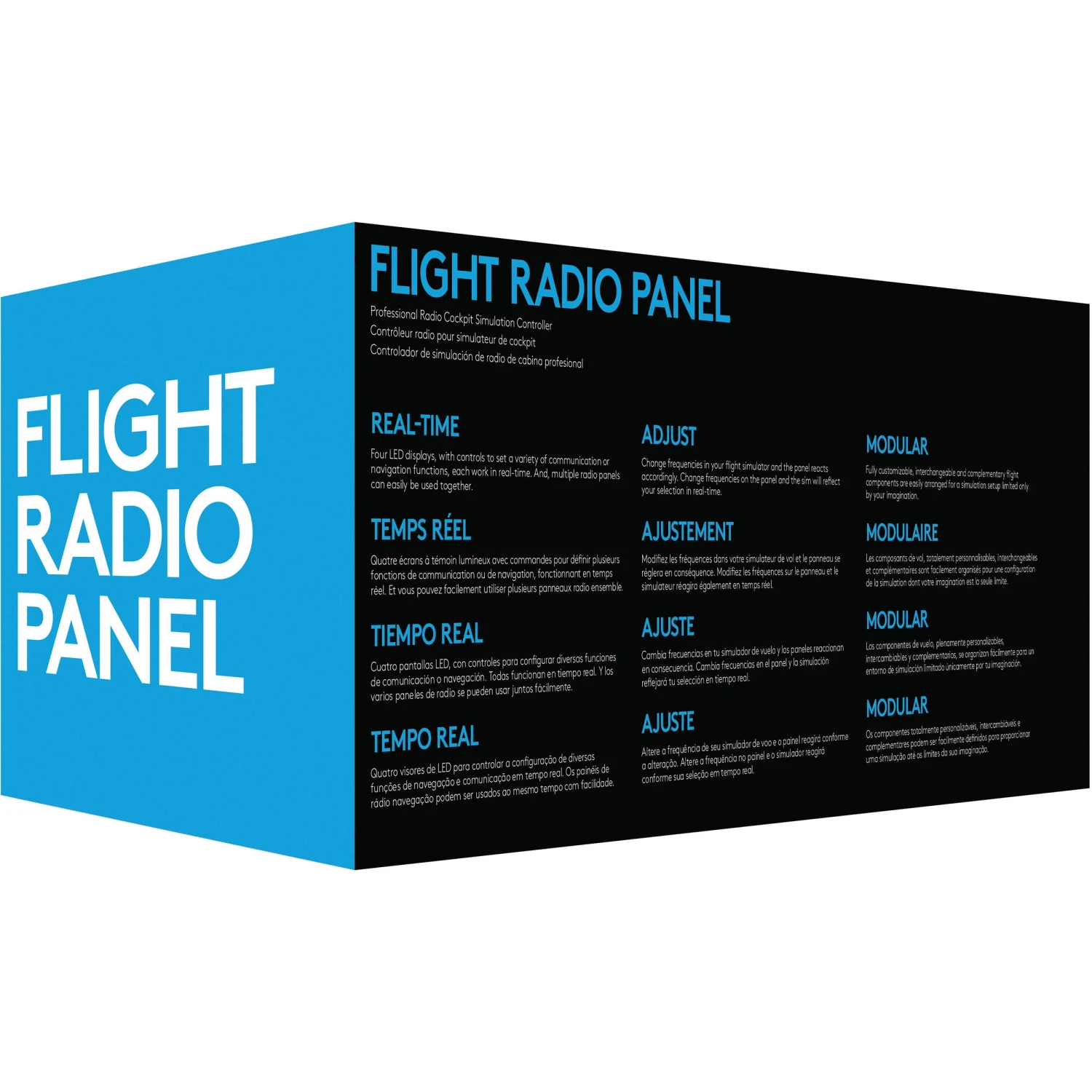
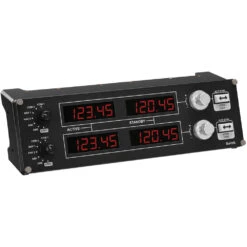
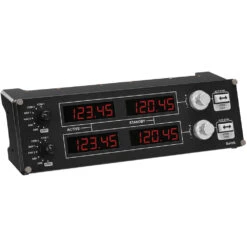
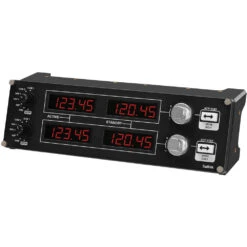
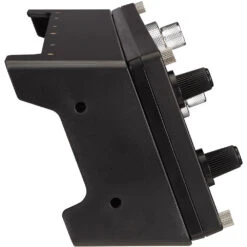
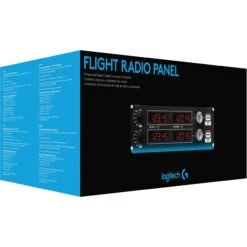

Logitech Flight Radio Panel(Logitech Flight Radio Panel)
Original price was: $281.20.$97.99Current price is: $97.99.
- Elevate Your Shopping Experience
- Product guarantee 100% satisfaction
- The quality solution for all your needs.
- Streamlined service, designed for your convenience.

- Compact Cockpit Radio Stack
- Control Adjustments in Real-Time
- Customizable for All Flying Conditions
- Simple Installation
The Flight Radio Panel from Logitech features four LED displays with controls for access to a variety of communication or navigation functions in your flight sim. Once installed onto its bracket, you can mount it accordingly with your other flight instruments for a customized setup. Please note that this item will work with Windows 10, 8.1, and 7 systems, but will require a quick installation of a small driver in order to function.
- Real-Time Adjustments
- With the Flight Radio Panel, you can make real-time, accurate, and incremental changes within the flight simulator of your choice. As you change frequencies in the sim or on the panel, the other will automatically and immediately reflect your settings.
- Fully Customizable for All Flying Conditions
- The Logitech G range of accessories can be placed one on top of another or side-by-side. With the easy-to-use mounting brackets, you can combine and arrange your flight simulation setup in any configuration as needed.
- Game Compatibility
-
- Flight Simulator X
- X-Plane 11
- X-Plane 10
- Prepar3D 2.2+
UPC: 097855127945
In the Box
Logitech Flight Radio Panel
Flight Radio Panel Brackets Limited 2-Year Warranty
Logitech Saitek Pro Flight Radio specs
| System Requirements | Windows 10, 8.1, 7 1 x USB 2.0 Type-A port Internet connection for optional software download |
| Cable Length | 5.9′ / 1.8 m |
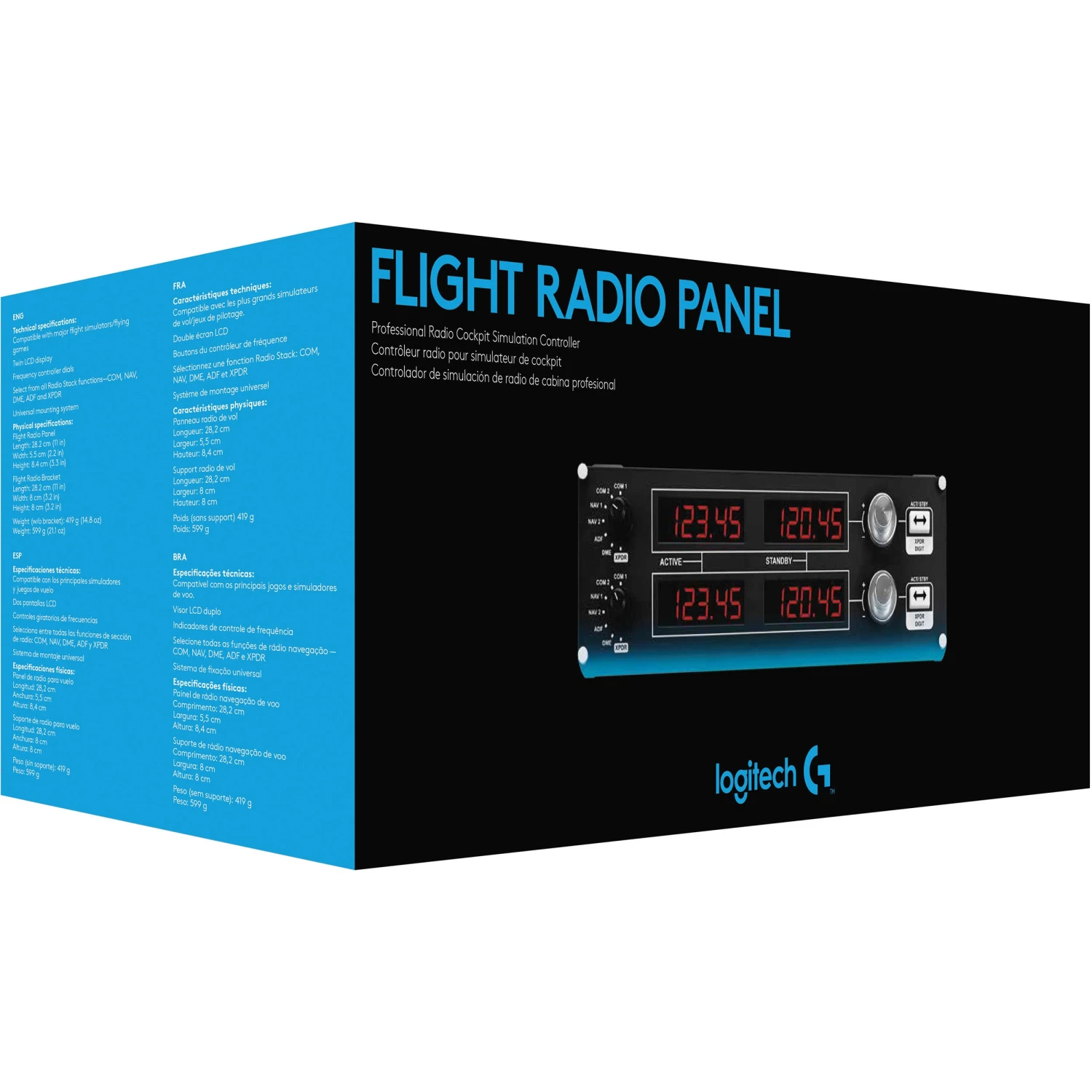
| Dimensions (L x W x H) | Panel: 11 x 2.2 x 3.3″ / 28.2 x 5.5 x 8.4 cm Bracket: 11 x 3.2 x 3.2″ / 28.2 x 8 x 8 cm |
| Weight | With Bracket: 1.3 lb / 599 g Without Bracket: 14.8 oz / 419 g |
| Packaging Info | |
|---|---|
| Package Weight | 2.05 lb |
| Box Dimensions (LxWxH) | 13.0 x 5.7 x 5.1″ |
All product and company names are trademarks™ or registered® trademarks of their respective holders. Use of them does not imply any affiliation with or endorsement by them.
Be the first to review “Logitech Flight Radio Panel(Logitech Flight Radio Panel)”
Related products
Sale!
Original price was: $31.24.$21.87Current price is: $21.87.
Sale!


Original price was: $370.00.$98.99Current price is: $98.99.
Sale!

Original price was: $329.00.$97.99Current price is: $97.99.
Sale!

Original price was: $170.29.$96.99Current price is: $96.99.
Sale!
Original price was: $378.27.$99.99Current price is: $99.99.
Sale!


Original price was: $349.00.$96.99Current price is: $96.99.
Sale!
TV & Entertainment
Original price was: $320.00.$99.99Current price is: $99.99.
Sale!

Original price was: $73.96.$51.77Current price is: $51.77.
Reviews
There are no reviews yet.