
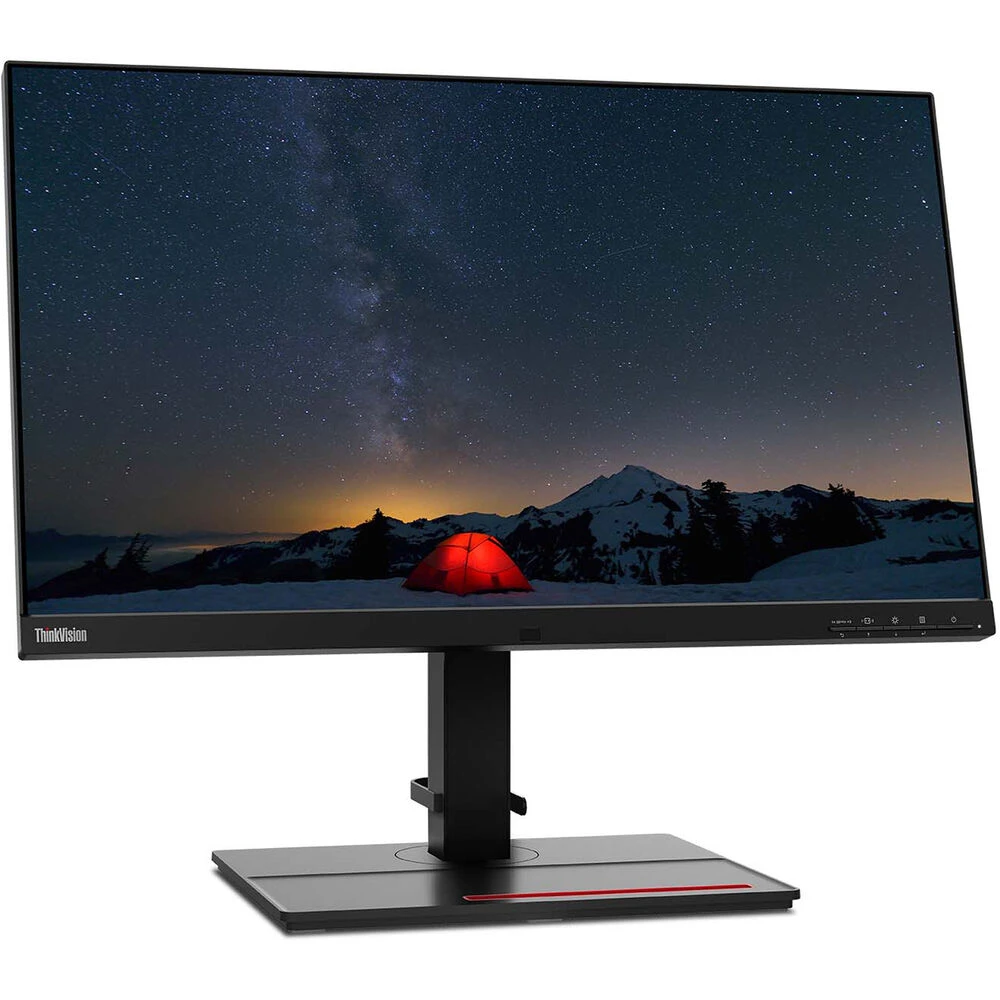
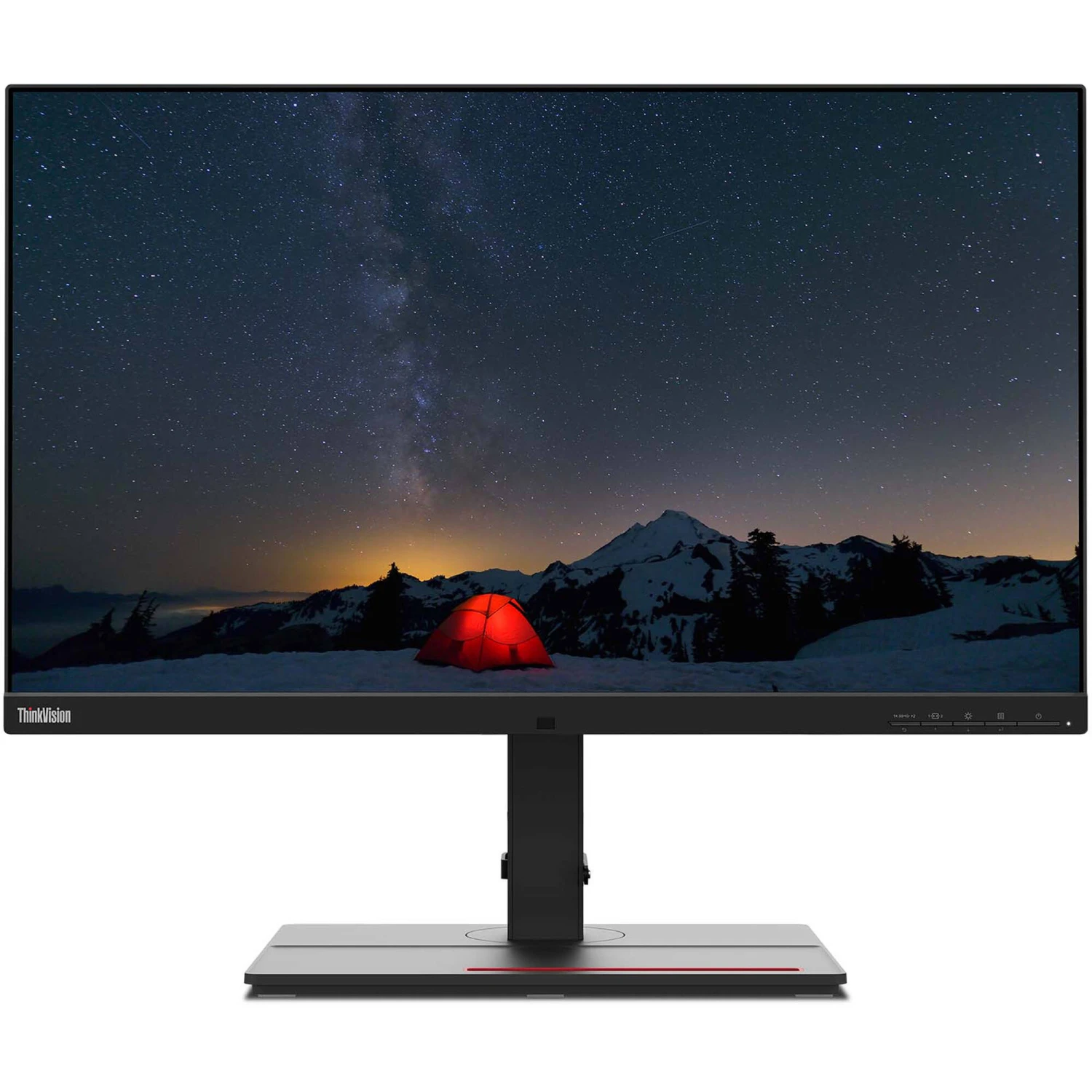
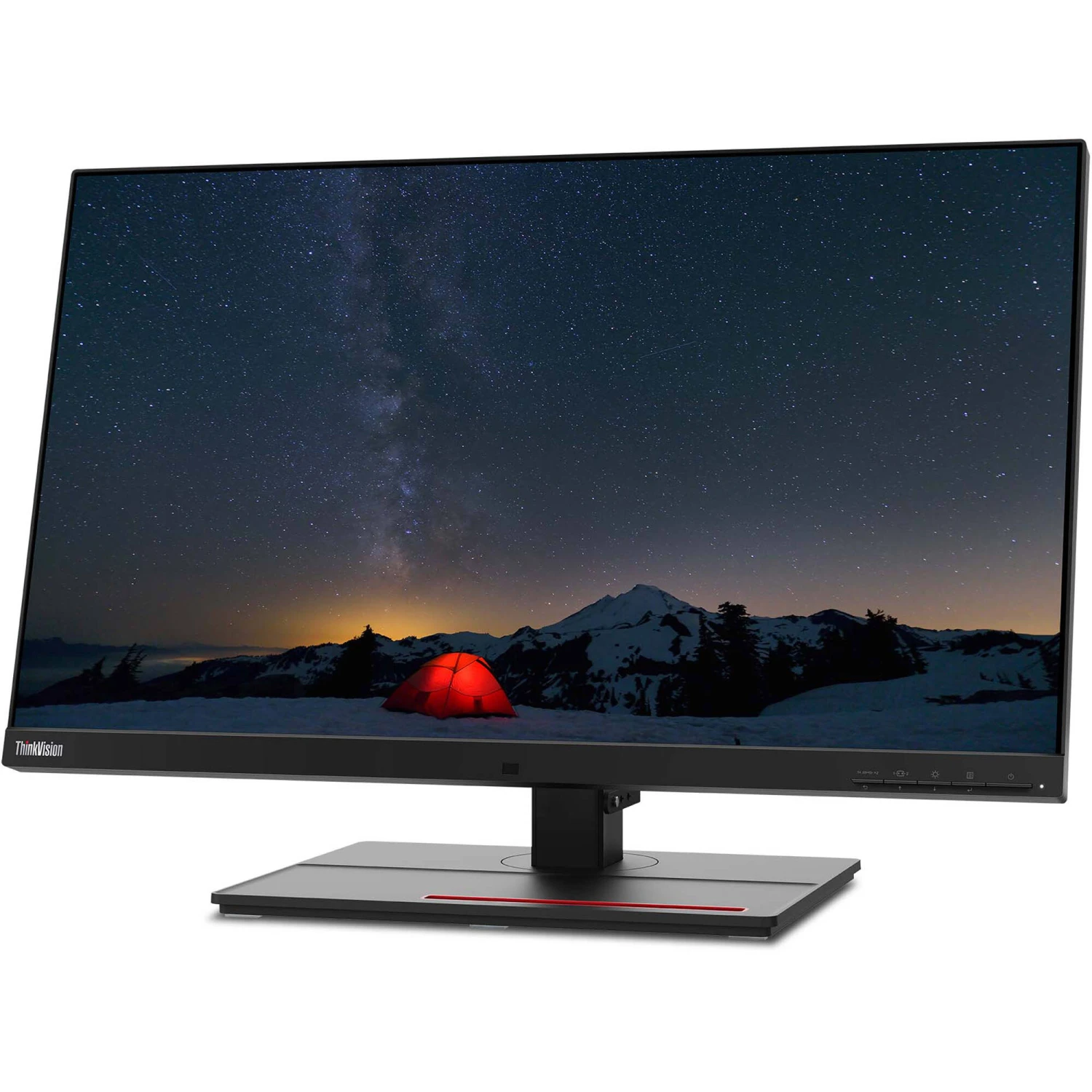
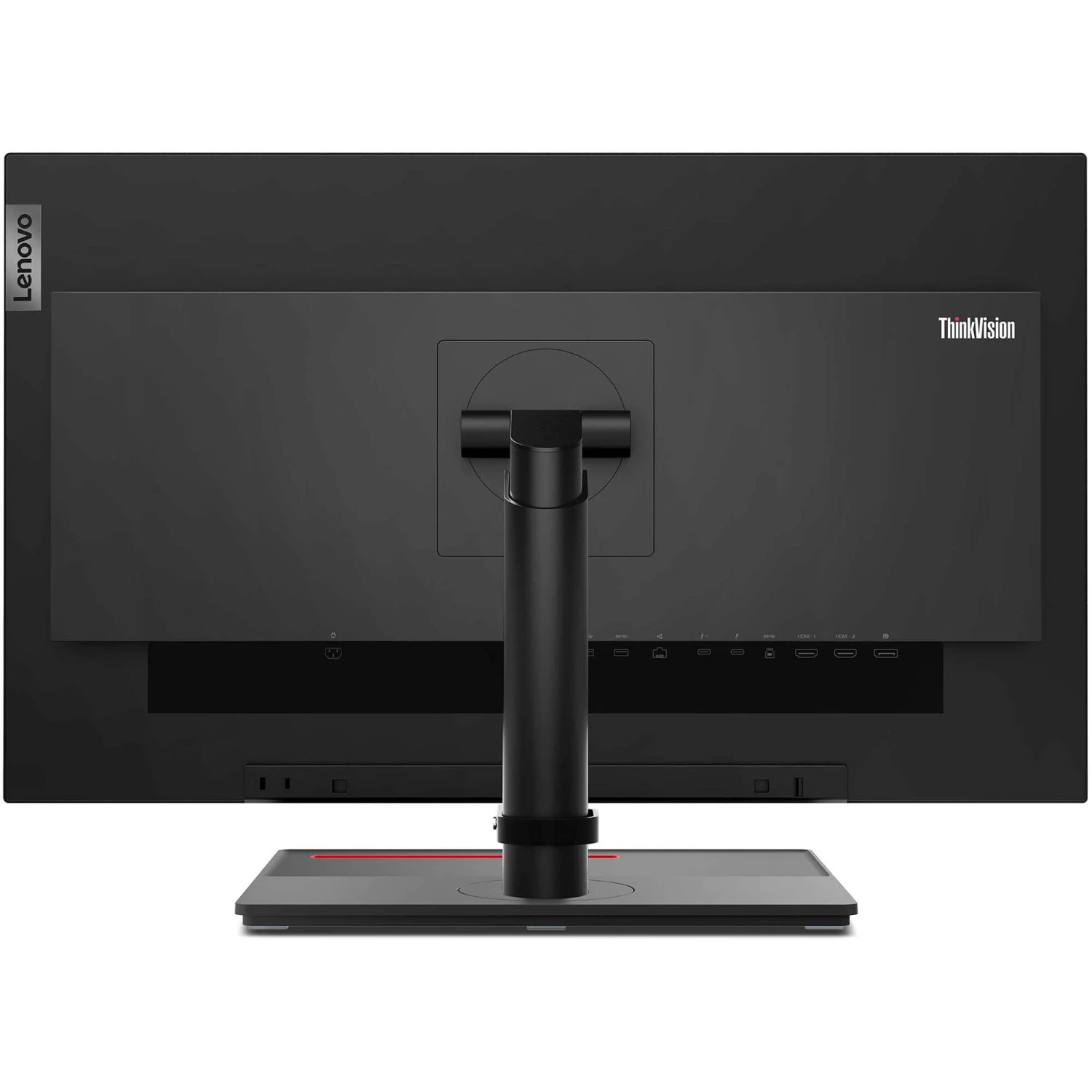
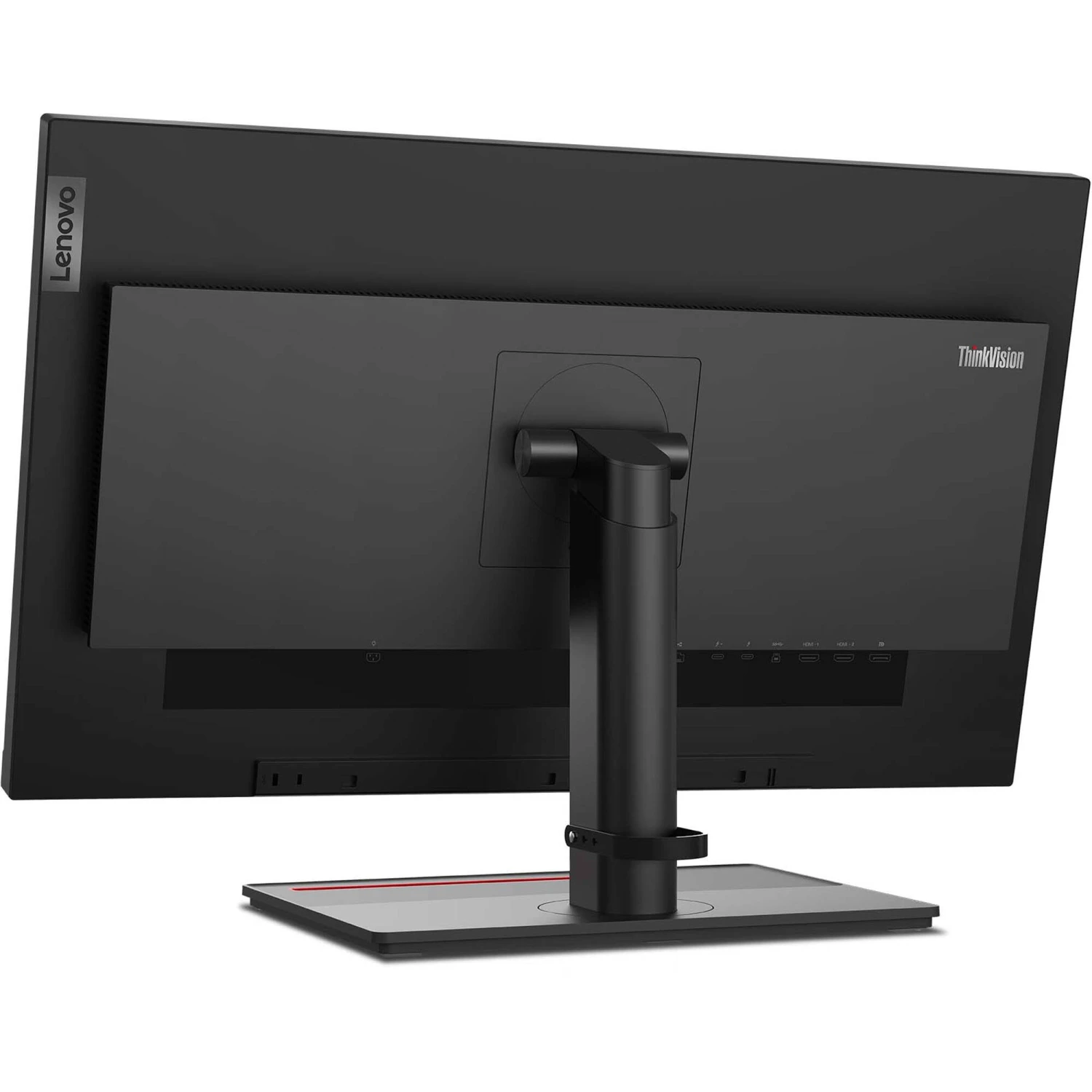

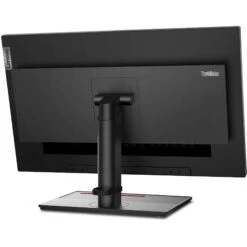
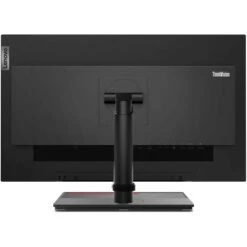
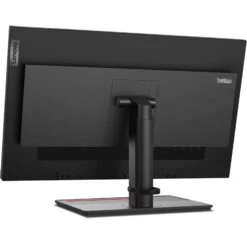
Lenovo ThinkVision P27u-20 27″ 4K IPS Monitor(Lenovo Thinkvision P27u 20 27 4k Ips Monitor)
Original price was: $352.00.$97.99Current price is: $97.99.
- Elevate Your Shopping Experience
- Product guarantee 100% satisfaction
- The quality solution for all your needs.
- Streamlined service, designed for your convenience.

Lenovo P27u-20 Overview
- 1Description
- 2Near-Edgeless Display
- 3Professional-Grade Color
- 4Integrated USB Hub
- 5Ergonomic Stand
- 6Built for Comfort
- 7USB 3.2 Gen 1
10 Factors to Consider When Selecting A Monitor for Video Editing
Get immersive and accurate views with the ThinkVision P27u-20 27″ 4K IPS Monitor from Lenovo. Featuring a 27″ In-Plane Switching (IPS) panel and a 3840 x 2160 resolution, this monitor utilizes 0.08″ bezels on three sides for a virtually edgeless view that emphasizes on-screen content. Additionally, the ThinkVision P27u-20 is factory calibrated, supports 1.07 billion colors, and delivers 99.5% Adobe RGB, 99.1% DCI-P, and 100% sRGB for color-critical work. Take advantage of smooth video playback too, thanks to a 60 Hz refresh rate and 6 ms response time that can be overdriven to 4 ms.
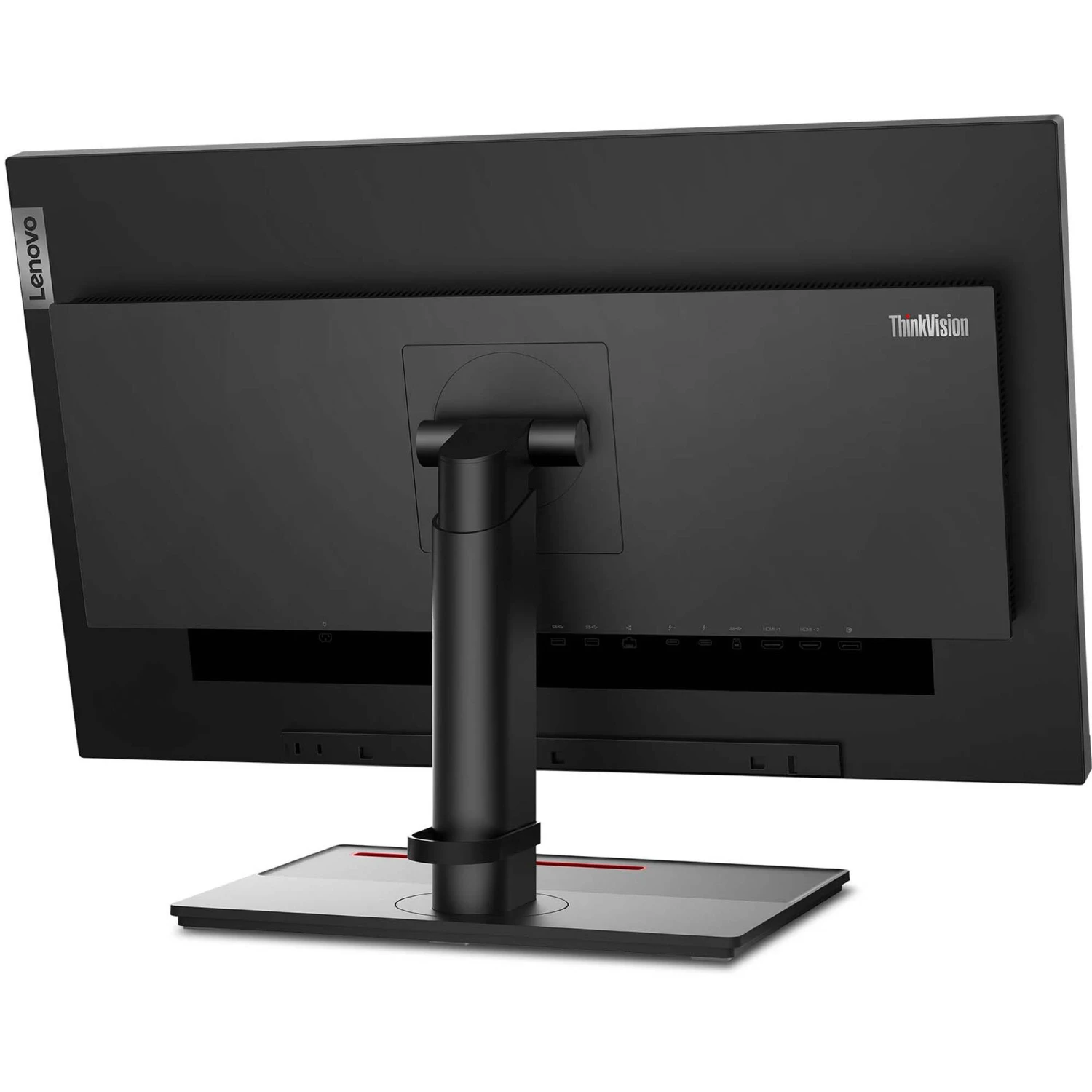
Connect to a host via DisplayPort, HDMI, or Thunderbolt 4 inputs. A Thunderbolt 4 output with 100W of power delivery is also present, allowing you to daisy-chain compatible displays. Use the integrated hub to connect wired accessories to a USB 3.2 Gen 1 Type-C port with 27W of power delivery, or via three USB Type-A ports. An RJ45 port and 3.5mm audio port allow for networking and analog audio output. View in comfort thanks to wide 178° horizontal and vertical viewing angles, a 450 cd/m² brightness, and TÜV Rheinland Eye Comfort certification. The adjustable stand can be tilted, rotated, swiveled, or raised and lowered for precise positioning or use the 100 x 100mm VESA mounting pattern to attach this monitor to a third-party mount or stand.
In the Box
- Lenovo ThinkVision P27u-20 27″ 4K IPS Monitor
- DisplayPort Cable
- USB Type-A to C Cable
- Thunderbolt 4 Cable
- Power Cable
User Manual
2.5 MB
- Description
- Near-Edgeless Display
- Professional-Grade Color
- Integrated USB Hub
- Ergonomic Stand
- Built for Comfort
- USB 3.2 Gen 1
Lenovo P27u-20 Specs
| Size | 27″ |
| Screen Area | 23.5 x 13.2″ / 596.7 x 335.7 mm |
| Panel Type | IPS-Type LCD |
| Touchscreen | No |
| Resolution | 3840 x 2160 |
| Aspect Ratio | 16:9 |
| Pixels Per Inch (ppi) | 163 ppi |
| Maximum Brightness | 450 cd/m2 (Peak) 400 cd/m2 (Sustained) |
| Contrast Ratio | 1000:1 |
| Dynamic Contrast Ratio | 3,000,000:1 |
| Refresh Rate | 60 Hz |
| Variable Refresh Technology | None |
| Bit Depth / Color Support | 8-Bit+FRC (1.07 Billion Colors) |
| Color Gamut | 99.5% Adobe RGB 99.1% DCI-P3 100% sRGB 100% Rec. 709 83.7% Rec. 2020 |
| Response Time | 6 ms 4 ms (Overdrive) |
| Viewing Angle (H x V) | 178 x 178° |
| Dot Pitch | 0.1554 x 0.1554 mm |
| Inputs/Outputs | 1 x USB-C (Thunderbolt 4) Input 1 x USB-C (Thunderbolt 4) Output 2 x HDMI 2.0 1 x DisplayPort 1.2 1 x USB-B (USB 3.0 / 3.1/3.2 Gen 1) 3 x USB-A (USB 3.0 / 3.1/3.2 Gen 1) 1 x USB-C (USB 3.0 / 3.1/3.2 Gen 1) 1 x RJ45 1 x 1/8″ / 3.5 mm Output |
| HDCP Support | No |
| Built-In Speakers | Yes, 2 x 3 W |
| Media Card Reader | None |
| Multi-Input Support (PIP/PBP) | None |
| Power Consumption | 35 W (Typical) 240 W (Maximum) 26 W (Eco) 0.5 W (Standby) |
| AC Input Power | 100 to 240 VAC, 50 / 60 Hz |
| Power Adapter Type | Internal |
| USB Power Delivery | 27 W (via USB-C) 100 W (via USB-C) |
| Certifications | CCC, ENERGY STAR, EPEATGOLD, RoHS, TCO Certified, TUV *as per Manufacturer |
| Height Adjustment | 5.3″ / 135 mm |
| Rotation Adjustment | 180° (-90 to 90°) |
| Swivel Adjustment | 90° (-45 to 45°) |
| Tilt Adjustment | -5 to 35° |
| Max Arm Extension Length | None |
| Mounting-Hole Pattern | 100 x 100 mm |
| Lock Slot | Yes, Kensington |
| Dimensions (W x H x D) | 24.2 x 21.9 x 8.7″ / 613.8 x 556.4 x 219.9 mm (with Stand) 24.2 x 14.5 x 2.1″ / 613.8 x 368.8 x 52.9 mm (without Stand) |
| Weight | 17.6 lb / 8 kg (with Stand) 12.1 lb / 5.5 kg (without Stand) |
| Package Weight | 26.13 lb |
| Box Dimensions (LxWxH) | 28.5 x 19.8 x 7.3″ |
Lenovo P27u-20 Reviews
Excellent monitor, wish I could afford to buy two!
Great monitor, excellent value!
I’ve been using this monitor for almost a year, and would highly recommend to anyone. It’s great value. …. The only downside (and why it gets 4 stars, not 5) is that the summary menu system is not at all intuitive (kind a frustrating to use) � I’d highly suggest that Lenovo improve that interface.
Excellent Monitor with Impressive Color Clarity
3 hours and nothing displays on screen
Guess I need to return. I have scoured the internet looking for the magic to make the monitor connection to my laptop work. Tired and frustrated. Honestly, what happened to plug and play. I’ve never had issues connecting a monitor in my 20 years of computers.
BEST C-TYPE Monitors Till Date
I have worked with a lot of monitors. This is d best till date! Easy connections especially for C-Type. I have Windows and MAC with Type C and transitions of laptops is seamless. Video quality is truly incredible.
Better value than Apple Studio Display
Nice monitor
Excellent Value
All product and company names are trademarks™ or registered® trademarks of their respective holders. Use of them does not imply any affiliation with or endorsement by them.
Be the first to review “Lenovo ThinkVision P27u-20 27″ 4K IPS Monitor(Lenovo Thinkvision P27u 20 27 4k Ips Monitor)”
Related products
3D Printer & Supplies
3D Printer & Supplies
3D Printer & Supplies
UltiMaker 2.8mm PLA Filament (0.75kg, Transparent)(Ultimaker 2 8mm Pla Filament 0 75kg Transparent)
3D Printer & Supplies
Electronics & Tools

3D Printer & Supplies
Dremel 3D 1.75mm Eco-ABS Filament (0.75 Kg, Black)(Dremel 3d 1 75mm Eco Abs Filament 0 75 Kg Black)
3D Printer & Supplies
Electronics & Tools
Reviews
There are no reviews yet.